

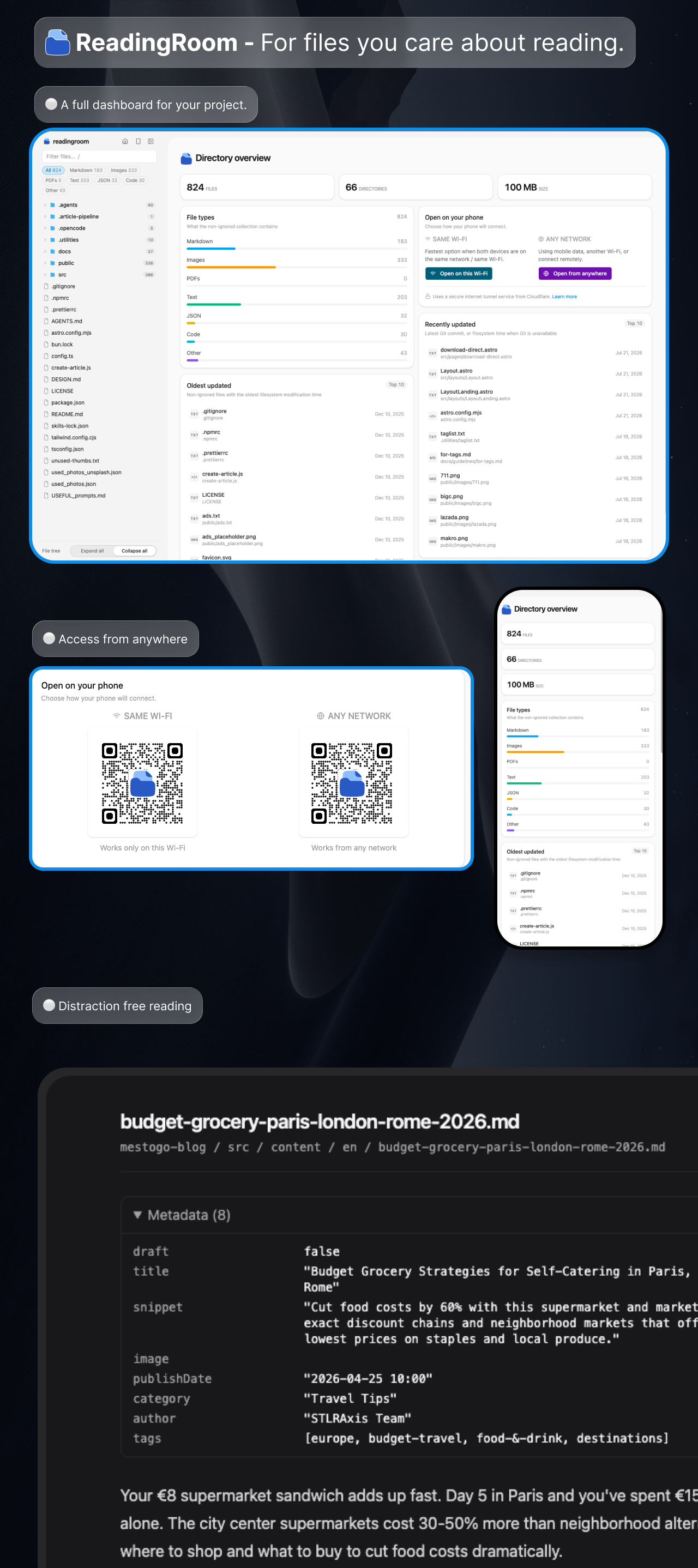
One command, and every .md, .txt, image, and PDF file in your project is browsable in a clean UI - no files touched, nothing installed into your repo.
npx readingroomCodebases are drowning in documentation: READMEs, design docs, agent instructions, plans, notes, changelogs. Editors are great at code, but docs get buried in nested folders and drowned out by source files. readingroom shows only the files you care about - a folder tree on the left, preview on the right.
- Sidebar tree of every
.md,.txt, image, and PDF file, with document counts per folder. - Agent instructions, skills & custom commands dashboard - AI agent instruction files (
CLAUDE.md,AGENTS.md,GEMINI.md,.cursorrules, Copilot instructions, and friends), skills from.claude/skills,.agents/skills, and.cursor/skills, and custom slash commands from.claude/commands,.cursor/commands,.agents/commands, and.github/promptsare grouped into dashboard cards - click one to read it in the viewer - AI-authored commit share - in a Git repository, the dashboard shows what fraction of recent commits carry an AI trailer (
Co-Authored-By: Claude, "Generated with Claude Code", Copilot, Cursor, Gemini, Codex), which files those commits touch most, and when an agent last committed - File-type filter - chips under the search box narrow the list to Markdown, text, images, or PDF (only types your project actually has appear), each with a live count.
- Rendered markdown - GitHub-flavored (tables, task lists), syntax-highlighted code blocks, collapsed YAML frontmatter;
.txtfiles shown as plain text - Images -
png,jpg,jpeg,webp,gif,avif, andsvgrender right in the viewer - PDFs - rendered by your browser's built-in viewer, with an "Open in system viewer" fallback for browsers that can't display PDFs inline
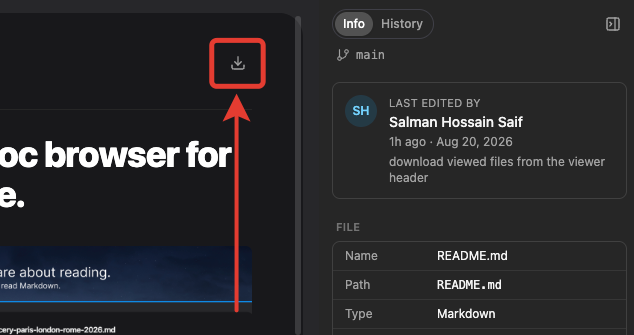
- Download - a download button next to every open file saves it to your computer; if you're viewing an older version from the History panel, you get that exact version
- File details & history - a side panel shows the essentials at a glance (size, word count, reading time, who last edited the file), plus a History tab listing every saved change - click one to view the file as it was back then
- Filter by name - press
/and start typing - Live reload - files created, edited, or deleted by you (or your AI agents) appear instantly
- Deep-linkable URLs -
/view/docs/plan.mdworks on reload - Relative links work - links between markdown files open in the viewer; images referenced by docs are served
- Dark + light mode - follows your OS setting, or pick your own
- Read on your phone - scan a QR code and keep reading on your phone, on the same Wi-Fi or from anywhere
readingroom surfaces .md and .txt files plus images (png, jpg, jpeg, webp, gif, avif, svg) and PDFs (pdf), including hidden directories like .github/ or .claude/ where agent docs and workflow docs live.
It stays out of your way:
- Your
.gitignoreis respected (including nested.gitignorefiles) node_modules,.git,dist,build,out,.next,target,coverage, and friends are always skipped- Symlinks are not followed; there is no file size limit - if your browser can handle it, it gets listed
- It is strictly read-only - readingroom never writes to your project
Open a file and the panel on the right tells you about it: how big it is, how long it takes to read, and - if your project uses git - who last touched it. The History tab goes further back in time: every saved change is listed, and clicking one shows you the file exactly as it was at that point.
The download button next to the file name at the top always saves what you're looking at - open the current file and you get the current version, open a version from History and you get that one.
readingroom [options]

  -p, --port <number>   Port to listen on (default: 9345; bumps to the next
                        free port if taken)
  -d, --dir <path>      Directory to serve (default: current directory)
      --no-open         Do not open the browser automatically
  -h, --help            Show help
  -v, --version         Show version
By default the server is visible only on your own machine (127.0.0.1) - the phone sharing described below is strictly opt-in. The server also validates the Host header (blocking DNS-rebinding attacks) and refuses any path that resolves outside the served directory.
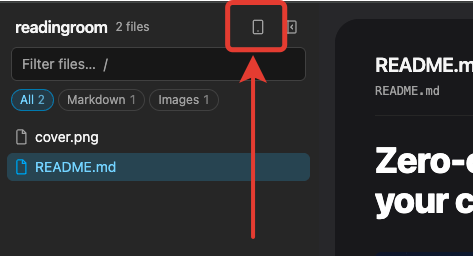
Click the phone icon in the sidebar, then choose how your phone will connect:
- Same Wi-Fi - the fastest option when your phone and computer are on the same network. Scan the QR code and you're reading. Nothing leaves your network.
- Any network - for mobile data, a different Wi-Fi, or reading while away. "Open from anywhere" creates a private
trycloudflare.comaddress that works from any network. The first time, a small helper tool from Cloudflare downloads automatically - there is nothing to install and no account to sign up for.
Both options are protected by a one-time access code built into the QR link, so only you get in. The code changes every time readingroom starts, and sharing stops as soon as you close the dialog or quit. The "any network" option relies on Cloudflare's free tunnel service - great for reading on the go, but best-effort rather than a permanent public link.
npm install -g readingroomnpx readingroom works with no install at all. Requires Node 20+. If you install globally you can run just readingroom from any directory.
0 comments
log in to comment.