

English · 简体中文 · Try it online ↗
Turn app screenshots and websites into foldable device mockups. Preview different poses and export images or animations, all in your browser.
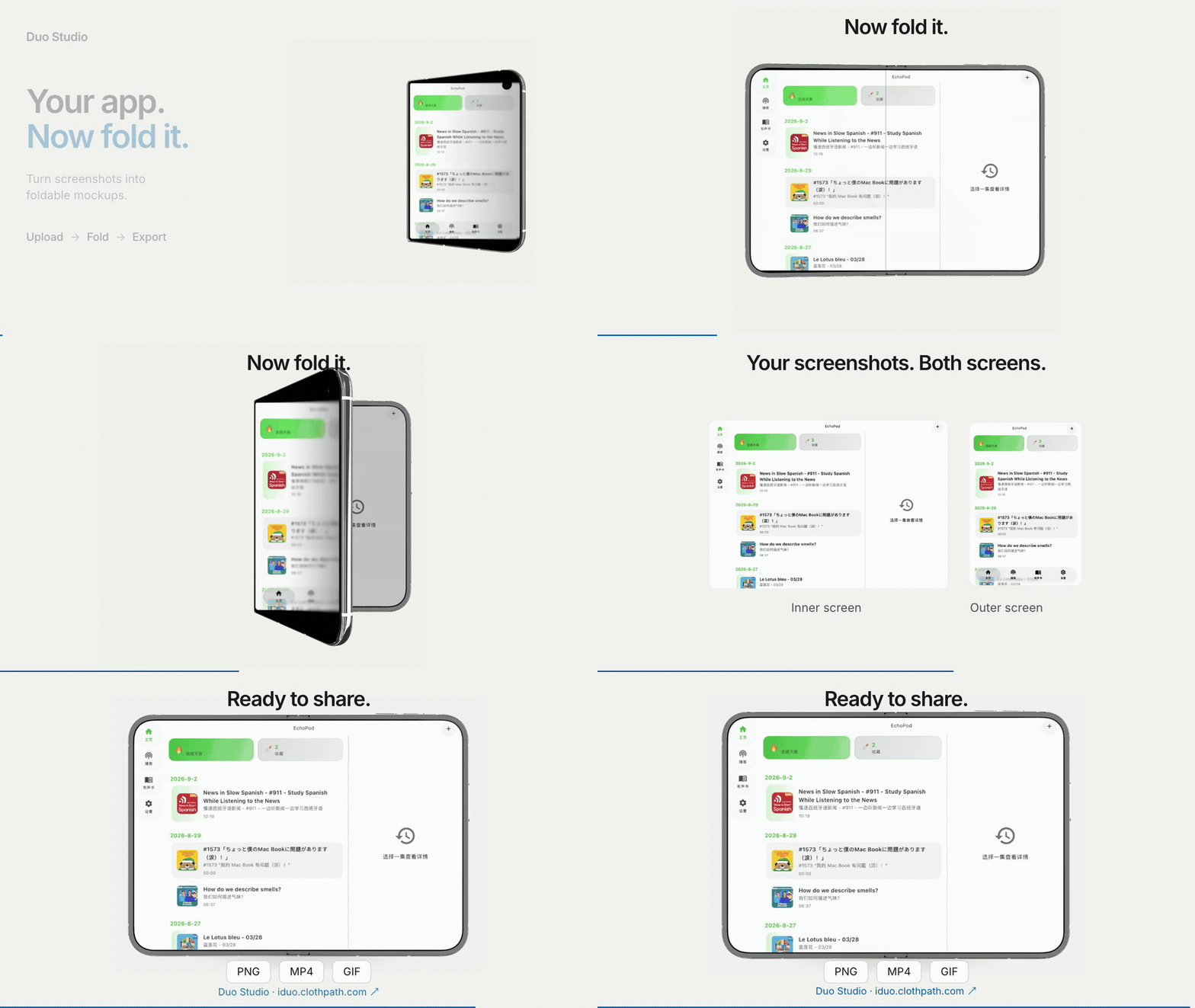
- Add content — upload inner and outer screen screenshots, or switch to Browser mode and enter a website URL.
- Choose a pose — closed, unfolded landscape or portrait, seated, standing, or free fold. Adjust the fold and background.
- Export — save PNG mockups or MP4, WebM and GIF animations. Save a
.duo.jsonproject to continue later.
Screenshots are processed locally. Browser mode requires a site that allows embedding; exporting it requires permission to capture the current tab. Video formats depend on browser support.
Node.js 22+.
npm ci
npm run dev
Open localhost:5173. Run npm run build to create dist/.
For Cloudflare Pages, use build command npm run build and output directory dist. No backend or API keys required.
Inspired by iphone-duo and DuoLikeAnimation. Built with Codex Astra.
Code: MIT. Device assets originate from Apple and belong to their respective owners; see asset provenance. Mockups demonstrate appearance and do not verify actual app compatibility.
For sites that cannot be embedded, the local app can check embedding headers and generate five static screen images. Run npx playwright install chromium, then npm run dev (or npm run preview after building). Submit a URL in Browser sim and select Create webpage screenshots. The new screenshot page preserves the source URL and supports refreshing, undo, project saving and the existing exports. It uses a fresh browser session, so login or verification may still be needed on the original site. Static Cloudflare Pages deployments do not include this local service. See browser mode details.
0 comments
log in to comment.