

日本語 · Documentation · Contributing · Security · Apache-2.0
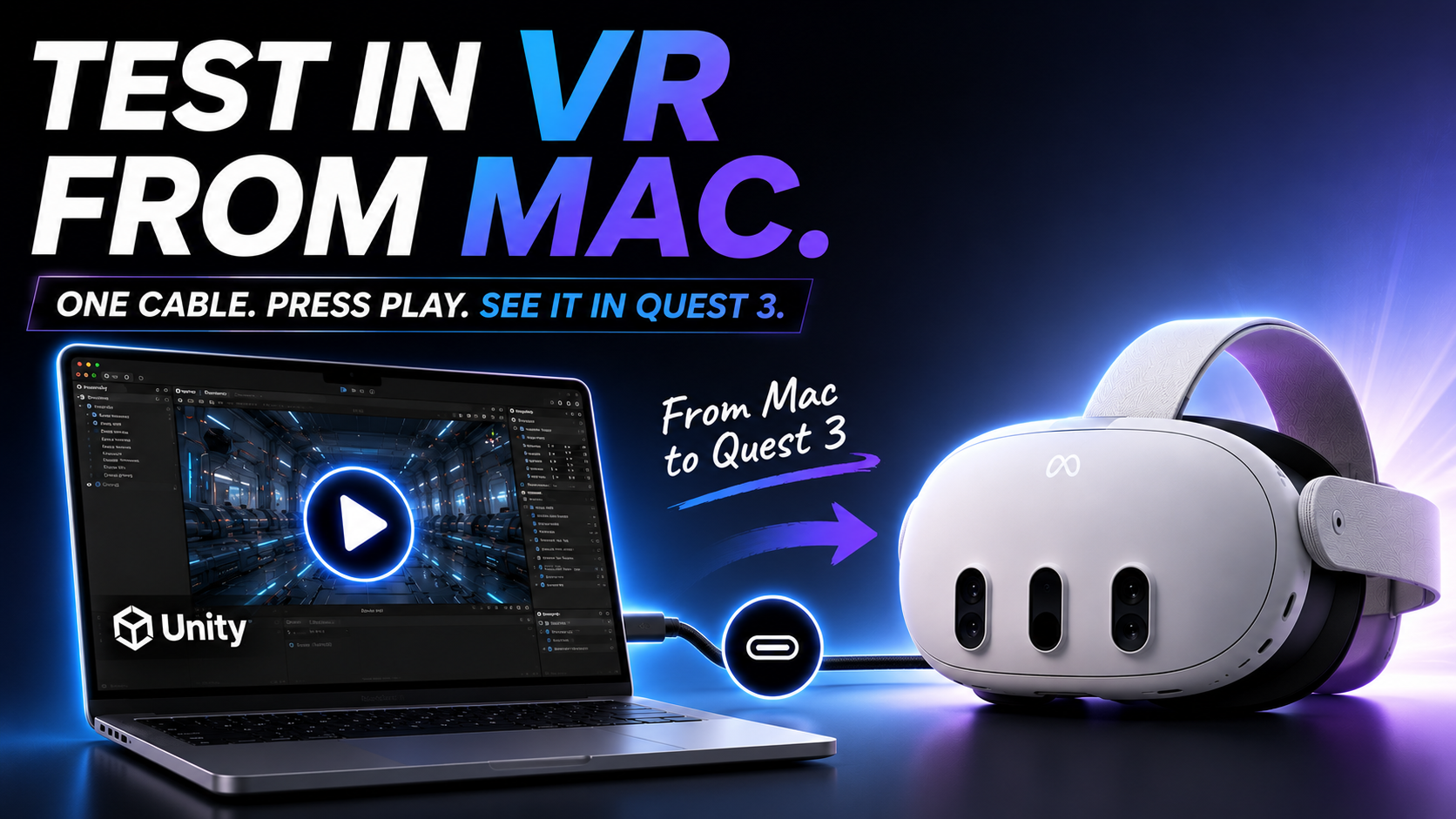
▶ Watch the 89-second MetalQuestLink demo on YouTube
Stream Unity Editor Play Mode from an Apple Silicon Mac to Meta Quest 3 or 3S without rebuilding an Android app for every iteration.
MetalQuestLink combines Meta XR Simulator, an implicit OpenXR API layer, Metal, VideoToolbox, and a prebuilt Quest client. The headset displays a first-person stereo projection while sending HMD, Touch controller, and hand-tracking input back to the Unity Editor.
Project status: working developer preview. The native layer, Unity package, Simulator path, and Quest 3 device path have been exercised, but the current macOS binary is ad-hoc signed and not notarized. Read Known limitations before adopting it in production.
A small XR scene or interaction change normally triggers an Android build, install, and launch cycle. MetalQuestLink keeps the project in macOS Unity Editor Play Mode and turns the headset into a low-latency preview target.
- No CMake, Xcode, or Quest-client rebuild for normal installation
- First-person stereo projection with compositor reprojection
- HMD, Touch input, 26 hand joints per hand, and haptic command forwarding
- USB
adb reverseby default, with an optional Wi-Fi fallback - Single-pass array and per-eye swapchains across common Metal texture formats
- Capability-based project preflight instead of a hard dependency on one Unity patch release
- A self-contained UPM tarball, Quest APK, checksums, doctor command, and clean-room package test
Codex with GPT-5.6 accelerated the repository-wide work: tracing native and Unity integration, removing patch-version assumptions, implementing Quick Setup and compatibility tests, and keeping the implementation, OSS documentation, and Devpost submission material aligned. Codex and GPT-5.6 also helped produce the recent public demo video: building its capture scene and motion, shaping the under-three-minute edit and narration, and preparing the recording workflow and checklist. Architectural decisions, hardware results, the final edit, and submission choices remain human-reviewed and are recorded in this repository.
Build Week Codex sessions:
019f618b-15a8-7960-962b-7433a62ce98f— core MetalQuestLink implementation and verification019f8322-1489-7022-b234-617ef5e38478— Unity compatibility, installation, OSS, and submission work019f836b-b8d9-7da3-82f2-a3001423e828— public demo video production
| Component | Support |
|---|---|
| Host | Apple Silicon Mac, macOS 14 or newer |
| Headset | Meta Quest 3 / 3S with Developer Mode and USB debugging |
| Unity baseline | Unity 2022.3 LTS or newer |
| Verified package matrix | Unity 6000.2.5f1 and 6000.3.6f1 |
| Verified headset streaming | Unity 6000.2.5f1 and 6000.3.6f1 on Quest 3 |
| OpenXR runtime | Meta XR Simulator standalone macOS arm64 v201 or newer |
Unity 2022.3 is the package resolver baseline, but its local test-matrix run is still pending a licensed Editor in the verification environment. See the compatibility policy for the distinction between supported and verified versions.
- Unity with Android Build Support, including SDK, NDK, and OpenJDK
- Meta XR Simulator
- Android platform-tools (
adb) - A developer-mode Quest 3 or 3S with USB debugging enabled
-
Download these files from the matching GitHub release:
com.metalquestlink.editor-0.2.0.tgzMetalQuestLink-0.2.0.apk(also embedded in the UPM package)SHA256SUMS
-
Verify the download:
cd <download-directory>
shasum -a 256 -c SHA256SUMS
-
In Unity, select Window > Package Manager > + > Add package from tarball... and choose
com.metalquestlink.editor-0.2.0.tgz. -
Connect the Quest over USB and accept the debugging prompt in the headset.
-
Open Window > MetalQuestLink and click Quick Setup (Project + Quest).
-
Start Meta XR Simulator, then press Play in Unity.
Quick Setup configures Standalone OpenXR without deleting existing fallback loaders, registers the
native layer, installs the bundled Quest APK, and prepares adb reverse. Normal Play sessions reuse
that installed client and do not rebuild Android.
For a source checkout, the package can also be added from editor-package/package.json. After this
repository is published and tagged, its Git URL has this form:
https://github.com/KouyamaCreate/MetalQuestLink.git?path=editor-package#v0.2.0
flowchart LR
    Unity["Unity Editor Play Mode"] -->|OpenXR| Layer["MetalQuestLink API layer"]
    Simulator["Meta XR Simulator"] <-->|"OpenXR / Metal"| Layer
    Layer -->|"Metal copy"| Encoder["VideoToolbox H.264"]
    Encoder -->|"TCP over USB / Wi-Fi"| Client["Quest client"]
    Client --> Decoder["MediaCodec Surface"]
    Decoder --> Projection["OpenXR stereo projection"]
    QuestInput["HMD / Touch / hands"] -->|"full-duplex input"| Layer
    Layer -->|"haptics"| QuestInput
The video path stays out of Unity textures after capture: VideoToolbox feeds MediaCodec, which releases frames to an Android Surface swapchain submitted as an OpenXR stereo projection layer. Each frame carries the render-time eye poses and FOV. Quest compositor reprojection handles headset movement after reception.
| Feature | Status | Notes |
|---|---|---|
| HMD and Touch input | Supported | Pose, buttons, touch, sticks, trigger, and grip |
| Hand tracking | Supported | XR_EXT_hand_tracking, 26 joints per hand; 52 active joints verified on Quest 3 |
| Controller haptics | Supported path | Apply/stop commands are transported; physical vibration feel still needs validation |
| Passthrough | Approximation | Passthrough underlay plus uniform video alpha 0.82; per-pixel alpha is not preserved |
| Scene anchors / spatial mesh | Not supported | Outside protocol v1 scope |
| Eye / face tracking | Not supported | Quest 3 / 3S are the current targets |
From a source checkout:
scripts/doctor.sh
scripts/doctor.sh --register  # register the manifest before Unity has loaded the package
The doctor checks architecture, signature, package and APK versions, layer registration, Simulator,
adb, and connected-device state. A disconnected Quest or stopped Simulator is a warning; a
missing package component or adb is an error.
For device automation:
scripts/e2e_device.shThis installs the APK, configures USB forwarding, starts the client, validates stream/input diagnostics, and exits with code 2 without changing the device when no Quest is connected.
End users do not need the following toolchain. Contributors building native code or release artifacts need CMake 3.25+, AppleClang, Git, and Unity's Android toolchain.
cmake -B build
cmake --build build -j8
ctest --test-dir build --output-on-failure

scripts/test_phase3.sh          # native video/input/protocol integration
scripts/test_quest_client.sh    # Quest client EditMode tests
scripts/test_phase5.sh          # Unity and Simulator integration
scripts/test_phase7.sh          # release-package structure and checksums
scripts/test_phase7_clean.sh    # clean external-project tarball E2E
scripts/test_unity_matrix.sh    # Unity package compatibility matrix
Build all release artifacts with:
scripts/build_release.shDetailed test coverage and hardware requirements are documented in CONTRIBUTING.md. Recorded implementation results are under docs/.
The recorded Quest 3 E2E run reached peak diagnostics of 74 received frames/s, 76 decoded
frames/s, and 73 pose samples/s. capture_to_decode_ms was 140.498283 ms in a healthy portion of
that run. This endpoint is MediaCodec Surface release, not display scanout, so it must not be read
as optical motion-to-photon latency. These measurements describe one test environment and are not
performance guarantees.
- The distributed macOS layer is currently ad-hoc signed, not Developer ID signed or notarized.
- Unity 2022.3 satisfies the package baseline but is not yet in the locally verified matrix.
- Passthrough uses a uniform-alpha approximation and does not retain per-pixel alpha.
- Dynamic eye-texture resolution or codec changes during Play are not supported.
- Controller grip and aim share the protocol v1 pose, and injected IPD is currently fixed at 64 mm.
- The latency clock offset assumes approximately symmetric Ping/Pong transport time.
- Metal is the only supported host graphics API.
The Japanese README contains the full setup, Gatekeeper, tuning, troubleshooting, and test-reference guide.
Bug reports, compatibility results, documentation fixes, and focused pull requests are welcome in English or Japanese. Read CONTRIBUTING.md before opening a pull request and follow the Code of Conduct.
Please do not use public issues for vulnerabilities. Follow SECURITY.md and use GitHub private vulnerability reporting.
Project-authored source and documentation are licensed under Apache-2.0. Third-party software, SDKs, trademarks, and bundled components remain subject to their respective licenses and terms; see THIRD_PARTY_NOTICES.md.
MetalQuestLink is an independent open-source project. It is not affiliated with, endorsed by, or sponsored by Meta, Unity Technologies, Apple, or OpenAI.
0 comments
log in to comment.